
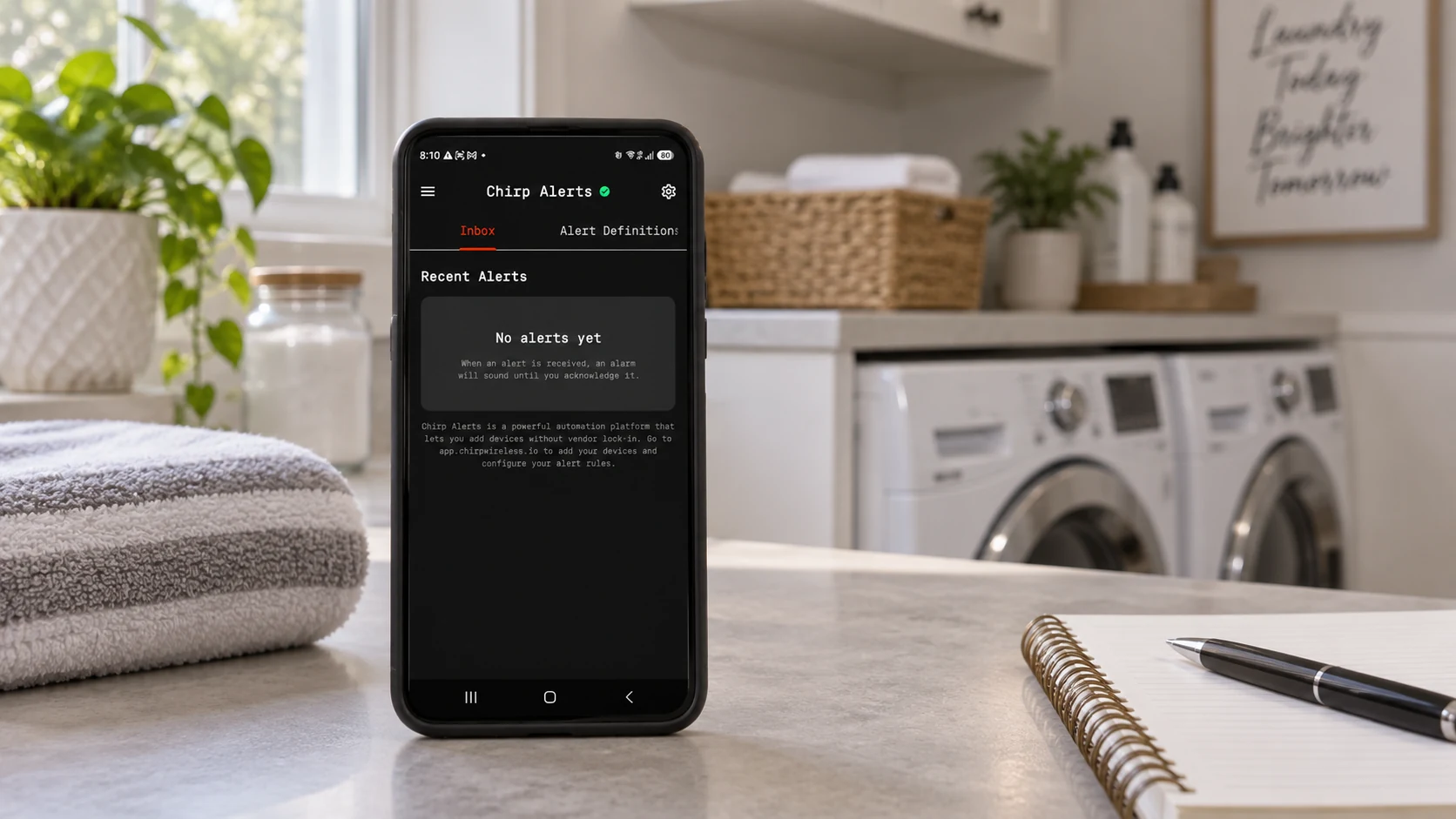
A water leak sensor test should establish more than whether a device changes its reading. For a useful home alert, that reading must reach the platform, take the intended automation branch and notify someone who knows what to do. If an automatic valve is part of the installation, its action needs a separate, controlled check.
CHIRP’s documented leak example connects a sensor reading to a condition and a Set Alarm node, which raises an existing alarm definition. That definition controls recipients and delivery channels. Test these parts as one traceable path while keeping a record of what you actually observed.
The procedure below is a test plan, not a claim that every sensor can be tested in the same way. Use the test method specified for the exact device. Do not create a real leak or wet equipment to demonstrate a notification.
Start the water leak sensor test with its documented signal
Find out what the device reports when dry and when it detects water. A smart water leak detector might provide a binary state, a text status or a measured value. The rule must use the representation that arrives in CHIRP, after the device’s data has been interpreted.
The CHIRP leak-automation example illustrates a numerical condition and separately notes that binary sensors need a different comparison. Its demonstration threshold is not a universal setting. Inspect your sensor’s reported data and use its documented meanings.
Record the sensor name and physical location. If the same household has sensors by a washing machine, water heater and basement drain, a message reading only “Water detected” may leave the recipient unsure where to look. Keep the test input, device identity and notification wording tied to the same location.
Prepare the CHIRP water leak alarm before triggering it
Open the alarm definition and check who should receive the test. Use the home-alert setup guide to review its name, severity, channels, schedule and message. Confirm that push or other selected contact methods have been enabled for the intended recipients.
Agree on a test time before a critical notification reaches someone’s phone. Mark the test clearly in the agreed procedure, and make sure the person receiving it knows the difference between a test event and a real report from that location.
Review any duplicate-suppression or repeat settings. A second test conducted immediately after the first may not behave like a new, independent event. Record those settings so a quiet second run does not automatically get blamed on the sensor or phone.
If the workflow also operates equipment, include the installation owner in the test plan. A notification-only check and a controlled valve-operation check establish different things. Do not assume that testing the alert should also interrupt an occupied home’s water supply.
Trace a water leak sensor reading through the automation
Begin with the actual device using its manufacturer-approved test method. Check that a new reading or state change appears for the intended sensor. An old dashboard value is not evidence that this test reached the platform; compare timestamps with your recorded start time.
Next, verify the condition that should choose the leak branch. The documented pattern uses a Set Alarm node linked to an existing alarm definition. Check that it references the definition whose recipients and message you just reviewed, rather than another similarly named alarm.
If no event appears, work forward from the last observed step. Was the device reporting? Did the new value reach CHIRP? Did it have the data type and meaning expected by the condition? Was the relevant rule and alarm active at that time? This is more useful than repeatedly changing notification settings when the trigger never arrived.
Verify the water leak notification on each intended phone
Check delivery with each recipient’s normal phone settings, including the relevant lock-screen and quiet-mode state. Confirm the location, message and urgency are understandable. An event in the platform’s inbox does not prove a phone displayed it or made a sound.
The CHIRP mobile setup guide explains the separate app permissions and web push setting. For iPhone critical delivery, the required Critical Alerts permission must be enabled; selecting an urgent severity in the web platform does not grant that permission.
Record the actual result rather than “notification works.” Note which recipient and channel were checked, the device state and whether the message arrived as expected. If only one person’s phone was tested, keep the other recipients marked unverified.
Finish the water leak alarm test without confusing the response
CHIRP distinguishes quieting the phone from resolving the event. Close hushes the current phone while the event can remain active and continue through its configured escalation. Dismiss & Acknowledge, or resolving from the inbox, resolves the event for the home and stops further escalation.
Use that distinction intentionally. If testing escalation, agree on which step should be observed before resolving the test event. If testing only the first delivery, resolve the test at the agreed stopping point so other recipients are not drawn into it unexpectedly. The escalation documentation explains recipient steps and delays.
Return the sensor to its normal state according to its instructions and confirm the expected reading. Do not assume that drying the sensor, resolving the existing event and rearming the next test are necessarily the same operation. Check the behavior of the particular device and rule.
Keep a water leak sensor test record
| Record | What it should establish |
|---|---|
| Device and location | Which sensor and measurement point were tested |
| Test method | The exact manufacturer-supported procedure used |
| New reading | The value/state and timestamp observed in CHIRP |
| Automation | The intended branch and alarm definition |
| Delivery | Actual recipients, channels and phone behavior checked |
| Escalation | Which steps were observed, if included in scope |
| Closure | How the test event was resolved and normal state restored |
Repeat the relevant checks after changing the sensor, rule, recipient phone or contact arrangement. A successful test documents one tested configuration and time; it does not guarantee every future event will arrive.
Use the CHIRP home-alert guide alongside the sensor manufacturer’s instructions when preparing your household’s test.
Prepared for CHIRP with AI assistance and checked against product documentation. No physical sensor, notification or valve test was performed for this article.