Keep the cameras you own
Front door, garage or garden: if a camera offers an RTSP stream, it can join Chirp, whichever company made it.

Chirp Lens
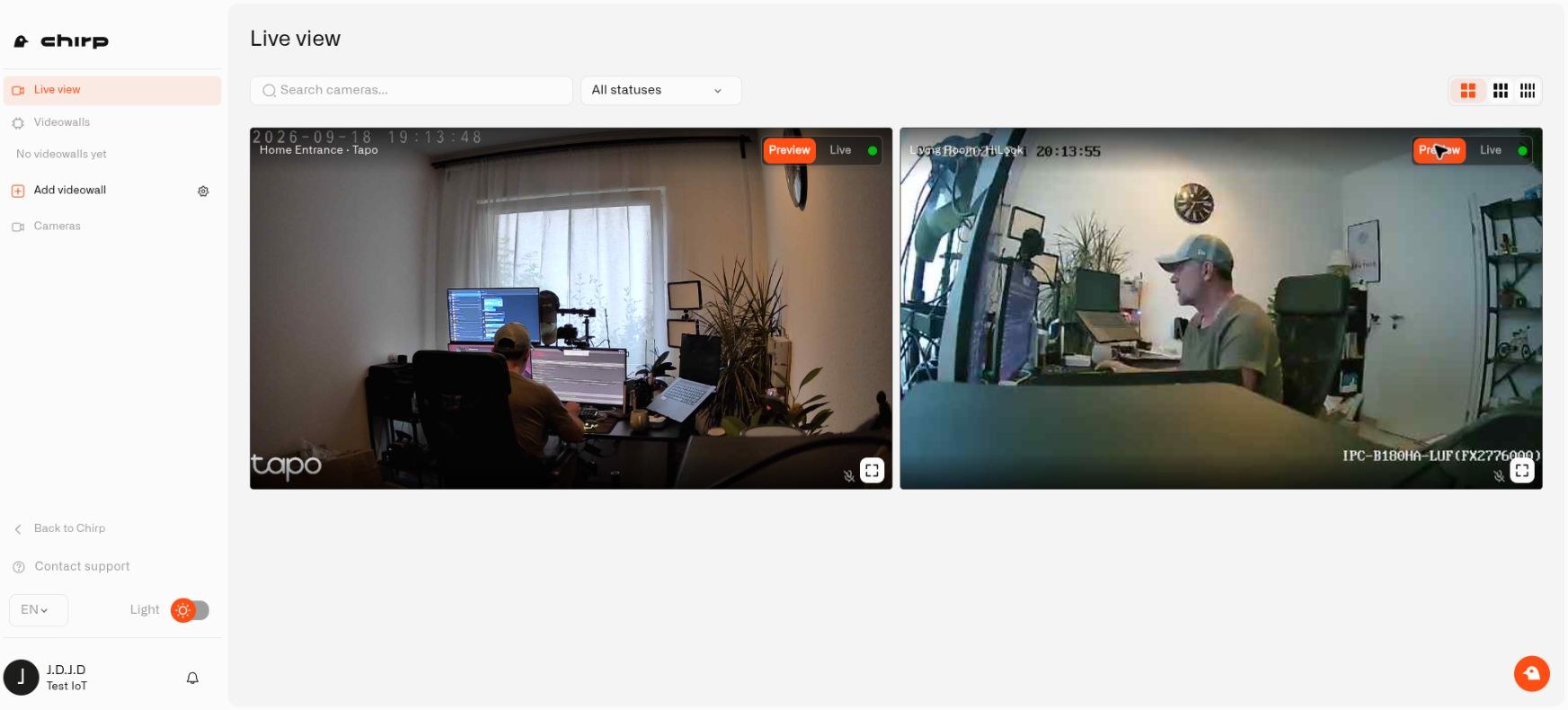
Your front-door camera, the garden camera and the one at your holiday home can all show up in Chirp, even if three different companies made them. Watch them together, get an alert when something moves where it matters, and decide who in your family can see them.
Lens in the cloud · One local Twin per camera
Why it matters
Yes, as long as each camera offers an RTSP video stream, which most IP cameras do. Many households end up with a different app for every camera brand and another login for every home. Lens puts each compatible camera, at every property you look after, into the same Chirp account you already use for your sensors.
Front door, garage or garden: if a camera offers an RTSP stream, it can join Chirp, whichever company made it.
Keep a videowall for your main house, holiday home, or apartment. Create closer views for a floor, garden, or entrance, with the feeds and layout you want to check.
Give each family member their own login and decide whether they can change camera settings, only watch, or not see the cameras at all. Take access away in Chirp without touching a camera.
How Lens connects
Twin is a small program you install on a computer at home. It is the digital twin of one physical camera: it picks up that camera's video on your home network and links it to Chirp. Two cameras need two Twins; twenty cameras need twenty. They can share one computer, as long as it stays switched on and has room for them.
Explore the CHIRP platformGive each camera a separate Twin container and persistent configuration. Add cameras at another property using the same setup process.
Get the official Twin Docker image →Smarter without new hardware
Not with Chirp. A smart camera has a small computer inside running its maker's software. With Lens, that work happens off the camera: Twin watches the video at home and Chirp decides what to do with it, which turns an older camera into a smart one. Draw an area around the back door, and Chirp can check the door sensor and send an alert to your phone if the door is open. We are adding more AI to Lens, and because it runs off the camera, the cameras you already own get it through updates. Today, Lens detects movement in the areas you draw; it does not recognize faces or objects.
Focus on the entrance
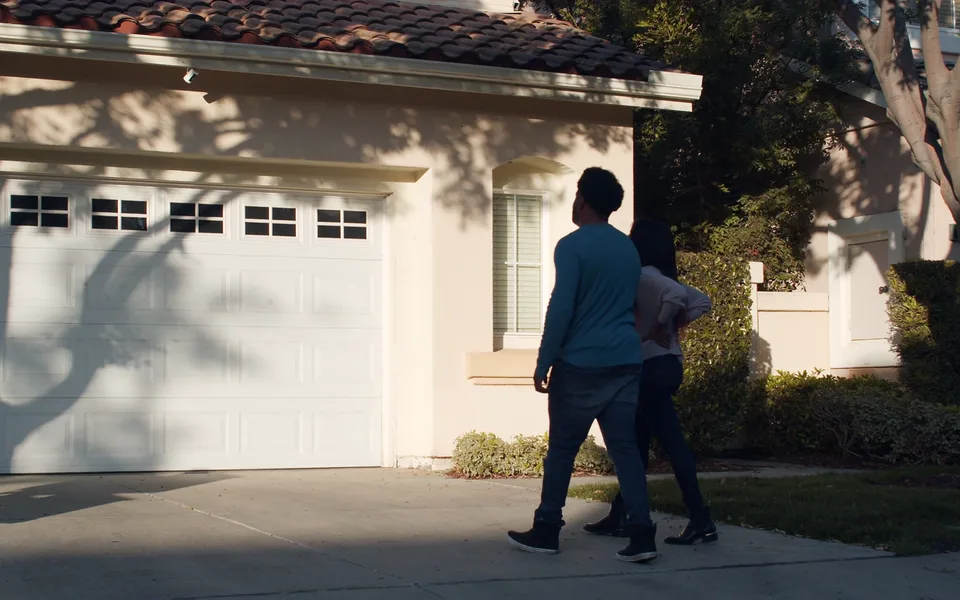
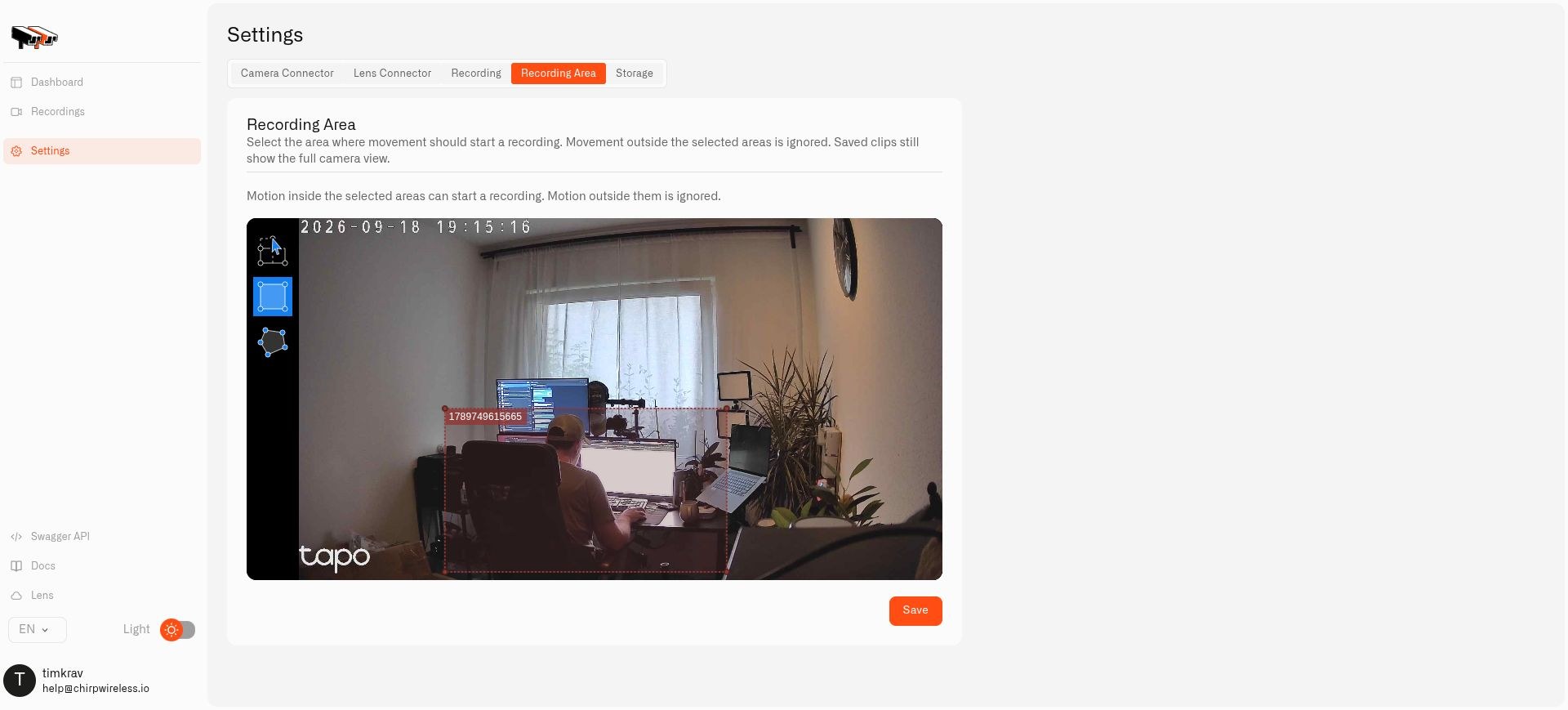
Draw a rectangle or polygon around the doorway in Twin. Movement there can supply a motion reading to Chirp while activity outside your selected areas is excluded. An older camera does not need built-in AI for this.
A useful household response
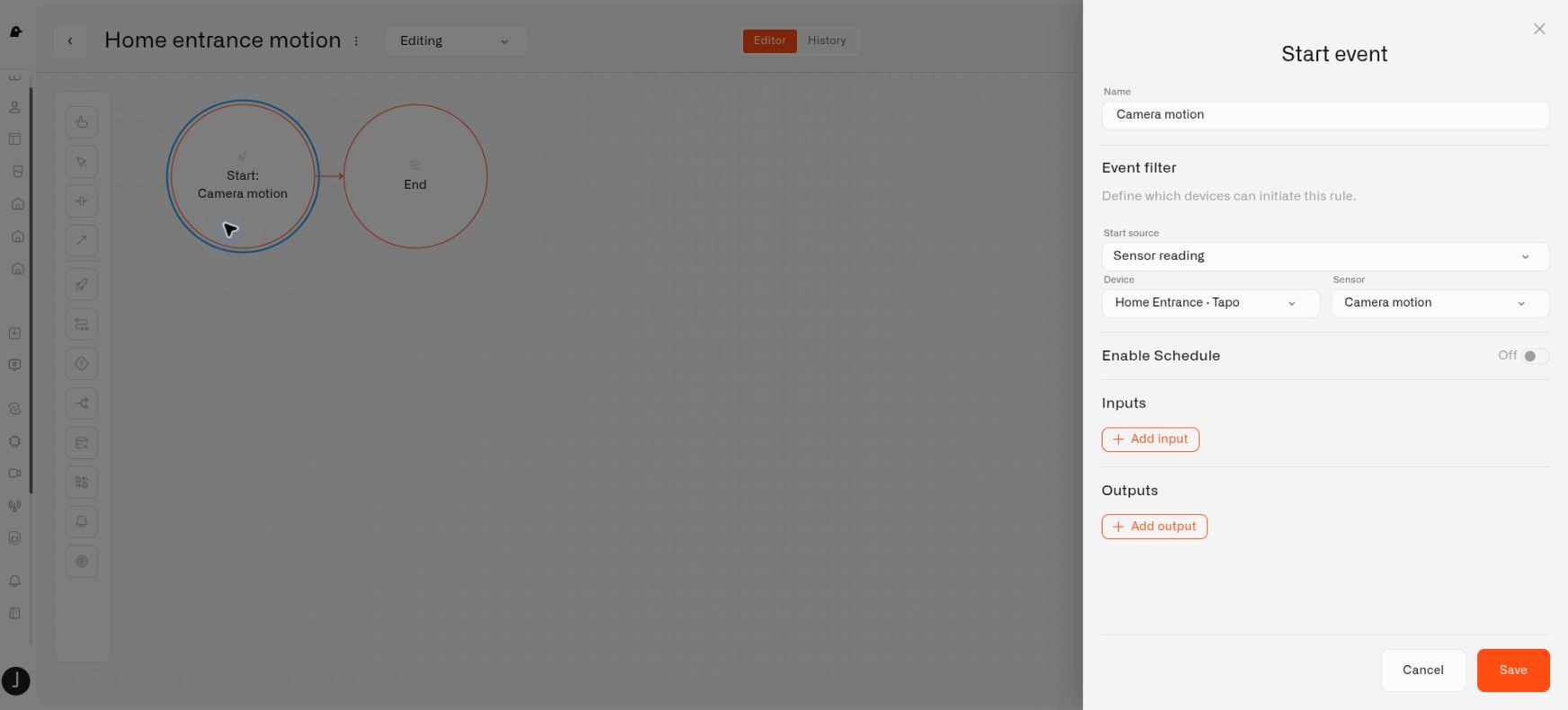
A camera becomes another source of information for your household automation. Configure a rule for the motion reading and choose the alarm definition that sets its message, recipients and notification behavior.
On your premises
Each Twin can save video on its local host. Choose a recording mode and retention limits that fit the space available. A selected motion zone controls what triggers detection; it does not crop the saved picture.
Get connected
Connect the camera first, then choose the activity and response that matter to your household.
What this means for you
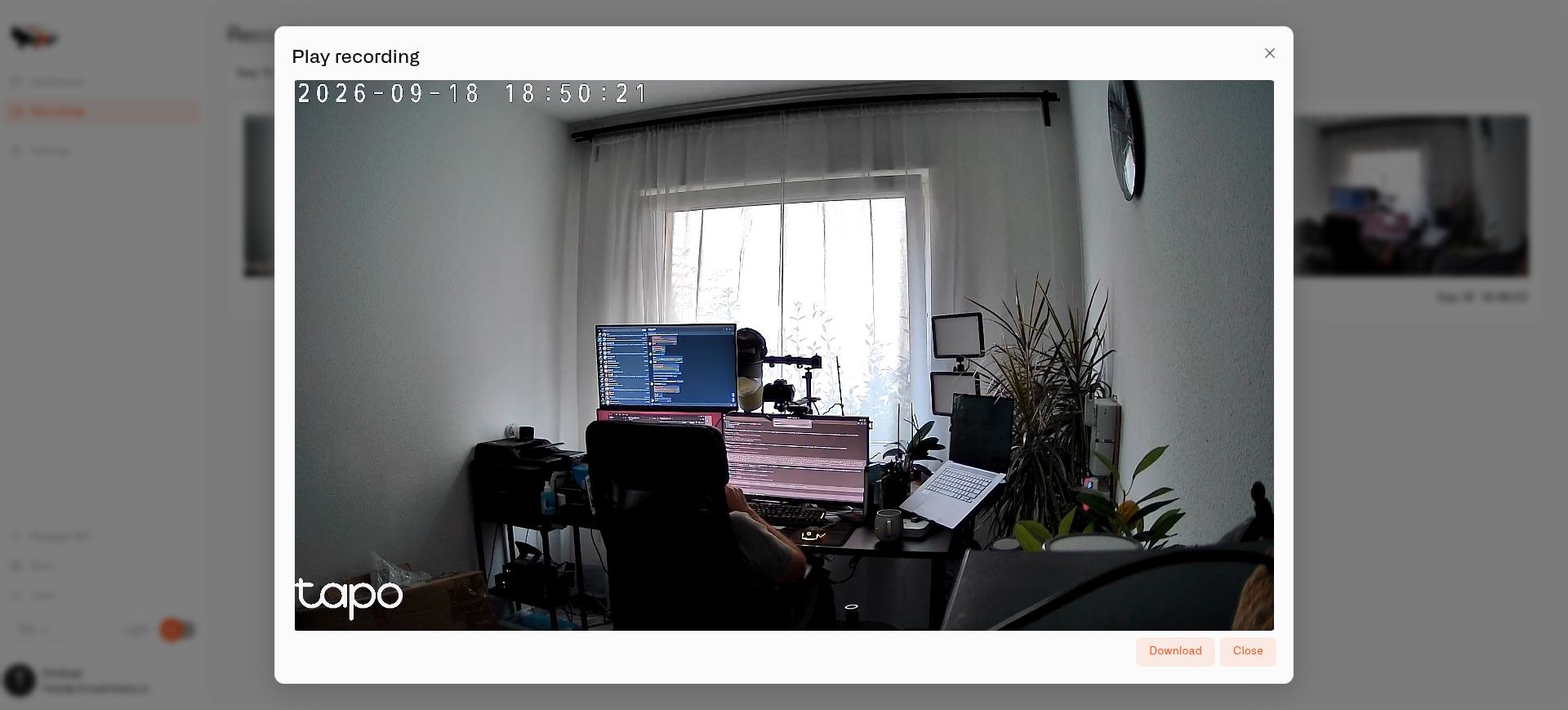
Enable recording in Twin and keep clips on persistent storage at home. Choose motion or continuous recording, set retention limits, and play or download saved clips through the local Twin interface. Read the Twin installation guide
Keep exploring
Security
Yes. Your recordings stay on the computer at your home, your video is encrypted, and only the people you invite can see your cameras. If you want a backup, keep it in your own Amazon S3, Google Cloud Storage or Walrus storage, encrypted before it leaves your home. We also check our code for security problems with the latest AI models.
Questions, answered
Yes. Install the official Twin Docker image, configure the camera locally, and pair its Twin with Lens. Download Twin
On the computer at your home, once you turn recording on. You can also back up clips to your own Amazon S3, Google Cloud Storage or Walrus storage, encrypted before they leave your home.
It needs a compatible RTSP stream. Check its stream address, credentials, codec settings and network access. ONVIF can provide additional discovery and controls on supported cameras.
Yes. Twin runs locally on a suitable Docker host that can reach the camera and the internet. The rest of the Chirp platform is hosted.
No. Each Twin represents one camera. Run two containers for two cameras or twenty containers for twenty cameras, with separate configuration and enough host resources.
In Twin’s Recording Area settings. Select Motion mode, draw the area, save and test movement inside and outside it. The detector has a global sensitivity setting.
Each person in your household signs in with their own Chirp account. For each person you choose Edit, View or No access to cameras, and removing someone's access does not require reconnecting any camera.
Your first protection can be free
Start with two devices, one protection setup, and one clear property view. No credit card required.