1. Choose
Describe the property problem and let CHIRP AI recommend suitable sensor or control types.

From device to useful outcome
Start with one property problem. CHIRP AI can recommend what to buy, help connect it, and turn the result into a dashboard, alert, or automatic action.
No credit card · One free protection setup · Add more when ready
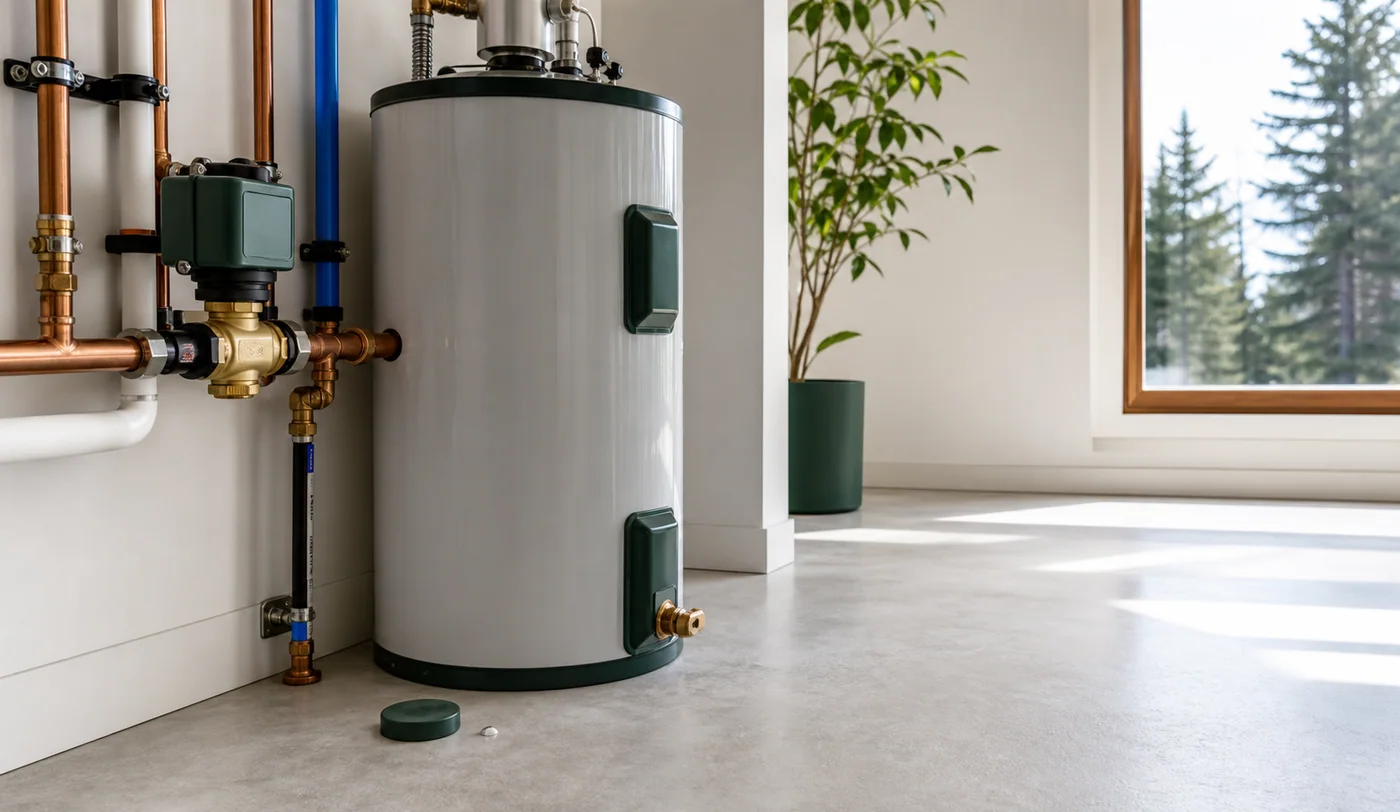
Leak detected, water closed, and the owner notified.
Lake House · SampleAcknowledgeExample alertWhy it matters
Manufacturer apps ask you to configure the gadget. CHIRP starts with what the property should do: protect pipes, stop water, report entry, reset after checkout, or alert the right person.
Describe the property problem and let CHIRP AI recommend suitable sensor or control types.
Ask the assistant to check an exact model and guide you through adding it.
Review what CHIRP prepared, test the response, and approve it before it runs.
From alert to outcome
Tell CHIRP AI what worries you. It can recommend device types, help check exact models, guide setup, prepare the response, test it, and ask you before turning it on.
Explore the CHIRP platformA property that responds
CHIRP notices the change, follows the response you approved, and shows you what happened.
AI home automation assistant
Describe the property problem in everyday language—even if you have not bought a sensor yet. CHIRP can recommend what to buy, check whether a specific model will work, guide the setup, and prepare the response for your approval.
What this means for you
Connect two devices, create one automatic response, and see the property in one dashboard. Push and email alerts are included, and no credit card is required.
Keep exploring
Questions, answered
No. Describe the result in everyday language or use the visual editor.
Yes. CHIRP lets you walk through the response and review it before it runs automatically.
Your first protection can be free
Start with two devices, one protection setup, and one clear property view. No credit card required.